
The NPS survey function is a key driver in understanding how your customers feel about your business. In TalkBox, you can view or export NPS data, then filter it by fields like ‘Visit Frequency’, ‘Contact By’ details, ‘Total Visit’ data, etc.
Here’s our quick guide to get rolling:
Step 1: Get your NPS Data
Option A (Add Directly to a List)
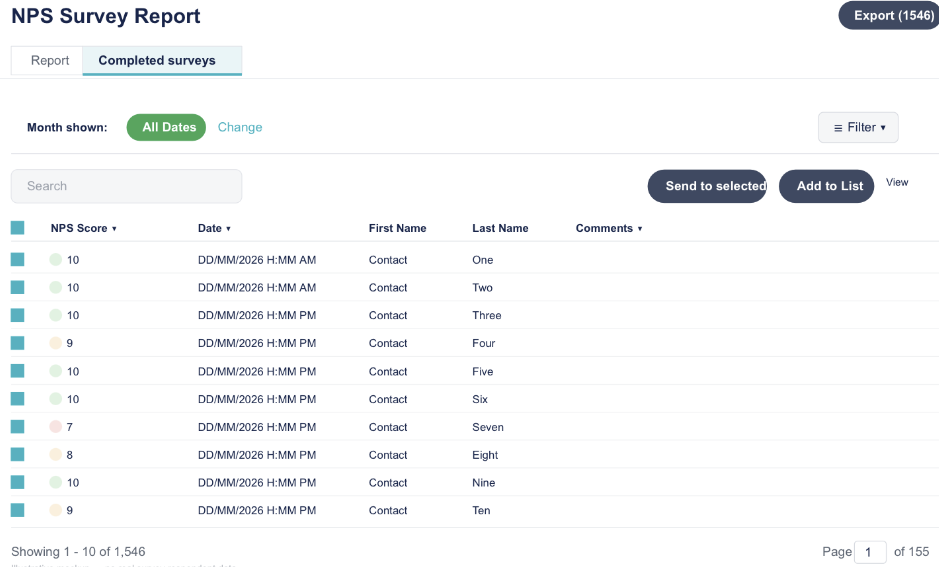
- Navigate to Reports > NPS Survey > Report
- Click the Completed Surveys tab
- Select your date range in “Month Shown”
- Select all recipients (checkbox next to “NPS Score”)
- Click “Add to List” > Create new List or add to an existing one
Option B (Export and Re-upload)
- Navigate to Reports > NPS Survey > Export
- Open the CSV > Filter by NPS score {Promoters (10-9), Neutral (8-7), Detractors (<7)}
- Split into separate CSVs
- Re-upload via Contacts > Upload Contacts
- Add each file to a List such as: Promoter, Neutral/Passive, Detractor
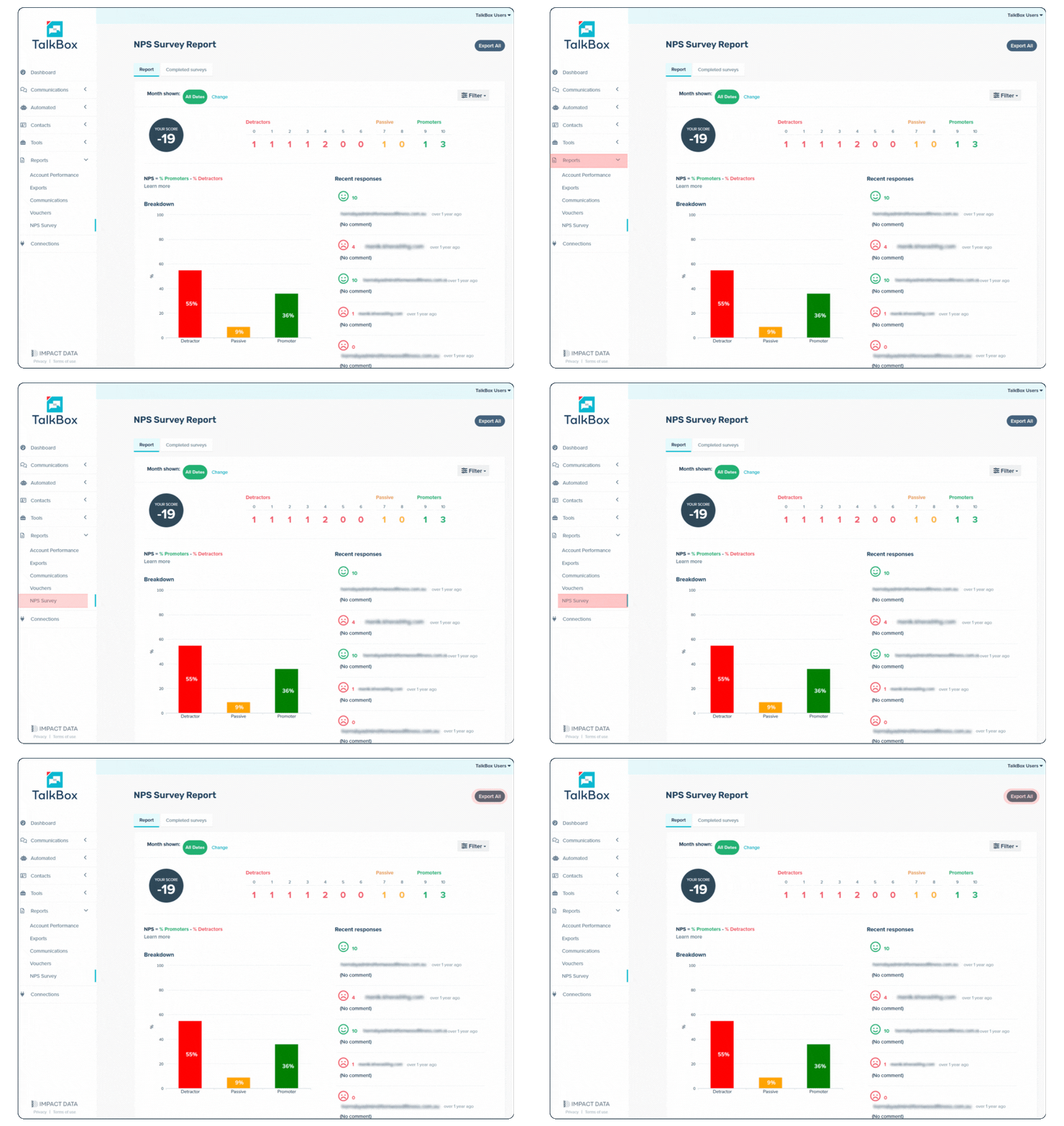
💡Tip: You can apply additional filters here (e.g. Date Range: 1st – 31st August & Filter: “Expected Next Visit” is in the past).
Step 2: Use Advanced Filters
Once your contacts are on a List, layer in filters to get sharper campaigns by adding fields to combine with NPS scores. For Example:
- List is any of “Promotor” + Total Visits is more than 3: “Bring a mate along, and get 20% off, along with a free dessert!”
- List is any of “Neutral” + Total Visits = 1: “Thanks for visiting, your next coffee is on us”
- List is any of “Detractor” + Total Visits = 1: “We value your feedback. Let us make it up to you on your next visit.